Instagram フィルター
Instagram Filters
Aurora・Noir・Sunset・Vivid のフィルターレシピを強度調整付きで写真に適用し、元の解像度の PNG でダウンロード。

SNS / 公開モックアップデスク
モックアップであることを明示したSNS用コンセプトと公開プレビューを作ります。
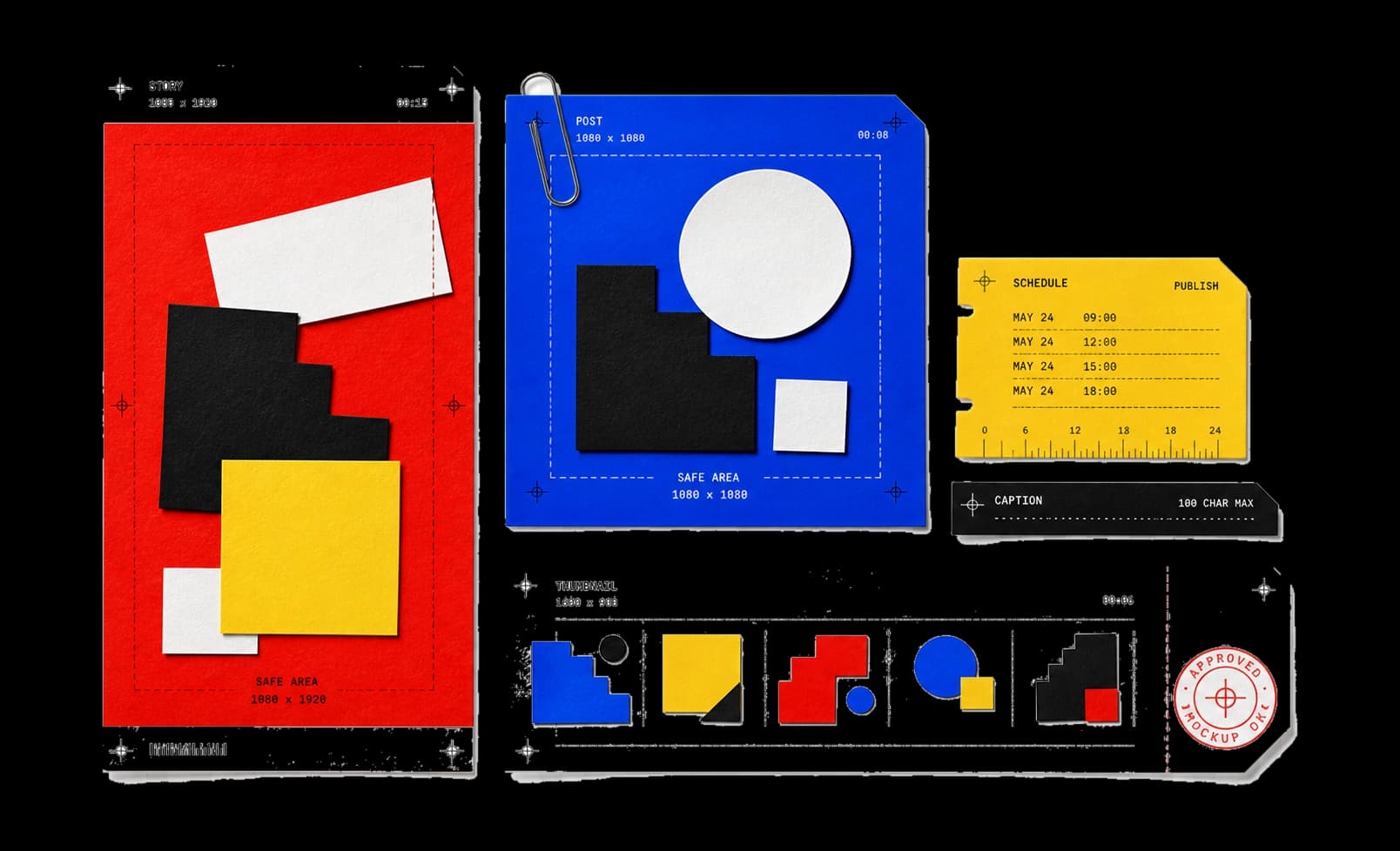
主要ツール 11 件。モックアップであることを明示したSNS用プレビューと公開素材を作成します。
11 件中 11 件を表示
Instagram Filters
Aurora・Noir・Sunset・Vivid のフィルターレシピを強度調整付きで写真に適用し、元の解像度の PNG でダウンロード。
Instagram Post Generator
見出し・キャプション・概念上のいいね数から架空の投稿コンセプトを 3 テーマで構成し、ラベル付き 1200×900 PNG で書き出す。
Instagram Story Generator
見出し・CTA・台本上の時刻で架空のストーリーコンセプトを構成し、ラベル付きの 1080×1920 PNG として書き出す。
Instagram DM Generator
架空の DM のやり取りを送受信 2 行と台本上の時刻で演出し、書き出す PNG に FICTIONAL CHAT MOCKUP の透かしを常時表示。
Twitter Revenue Mockup
仮説のインプレッションと収益の数値をスタンプ入りプランニングカードとしてモデル化。数値は自作で、プラットフォーム検証はない。
WhatsApp Chat Generator
台本の 2 行と概念上の時刻で架空の WhatsApp 風やり取りを演出し、ラベル付き 1200×900 のモックアップとして書き出す。
iMessage Chat Generator
台本のメッセージ・時刻・機種ラベルで架空の iMessage 風のやり取りを構成。FICTIONAL CHAT MOCKUP の透かしを常時表示。
YouTube Thumbnail URL Builder
YouTube URL や動画 ID から 4 つの定番サムネイル候補 URL を生成。画像を取得しないため存在の確認はできない。
Open Graph Meta Generator
og:title・og:type・og:url などの Open Graph タグを安全にエスケープして作成し、共有カードのプレビューを確認。
集中できる作業環境 / 設定なしで使える結果へ。
パッケージの導入やアカウント登録なしで、すぐに作業できます。
入力、結果、状態、実行方式を各段階で確認できます。
整理し直さず、必要な結果をコピーまたは保存できます。
別の目的別コレクションから作業を続けられます。
モックアップの信頼性メモ
他人の身元、会話、プラットフォーム画面を複製しません。
作業画面と書き出しデータの両方にモック表示を残します。
名前、時刻、文脈を確認し、誤解を防ぎます。
入力、変換内容、期待する結果を教えてください。