Code to Image Converter
Export syntax-highlighted code as PNG or SVG for six languages with light and dark themes, line numbers, a window title, and 1x or 2x scale.

Developer / code evidence desk
Format, encode, verify, and inspect development data without setup.
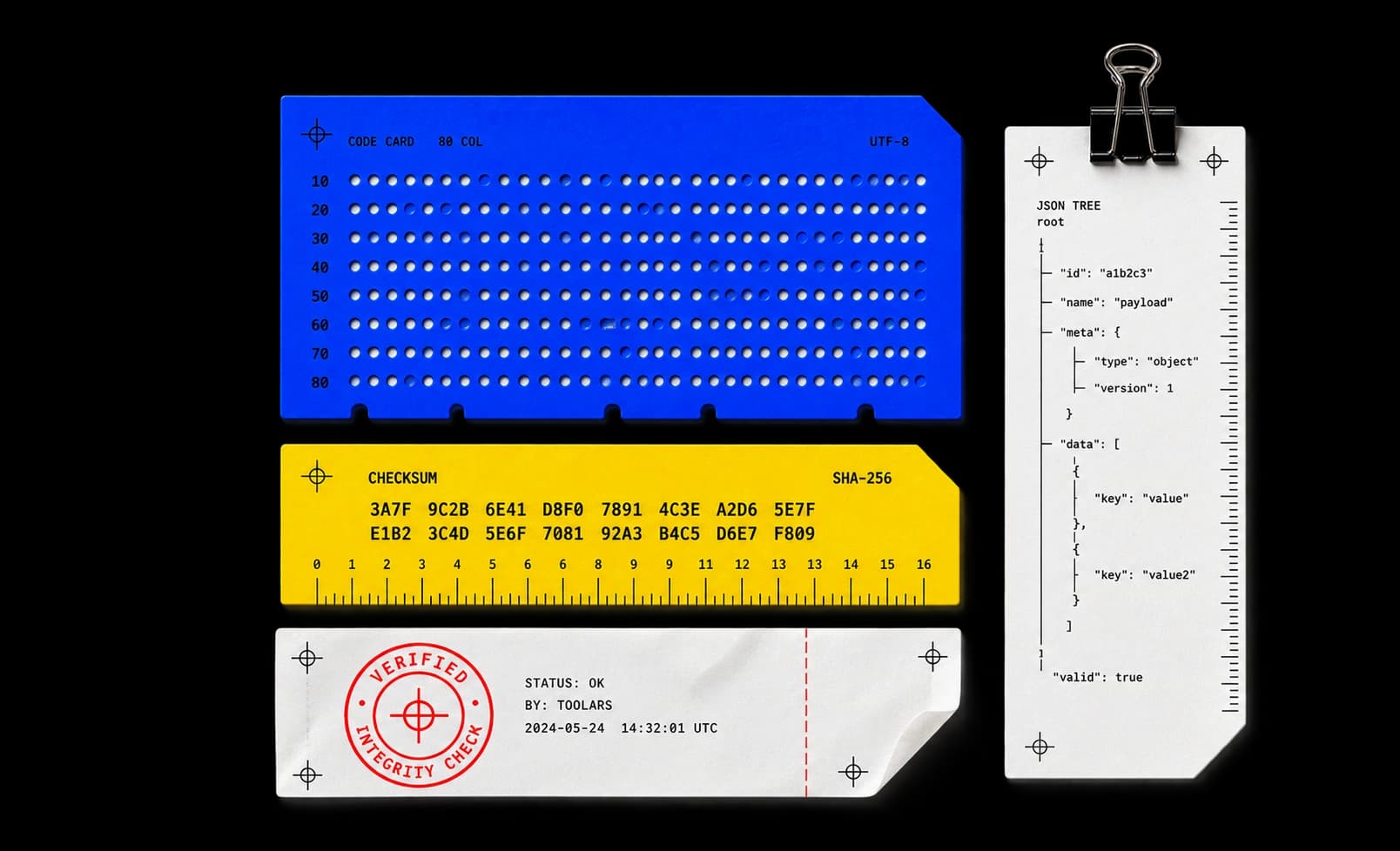
31 essential tools. Format, encode, verify, and inspect the artifacts that keep development moving.
Showing 31 of 31 tools
Export syntax-highlighted code as PNG or SVG for six languages with light and dark themes, line numbers, a window title, and 1x or 2x scale.
Turn titles into clean URL slugs with hyphens or underscores — accents stripped, ampersands expanded, non-Latin scripts preserved — live as you type.
Compare legacy shadow properties and boxShadow for React Native, tune iOS and Android output side by side, and copy the StyleSheet code.
Encode Unicode text to Base64 or decode it back with live validation, URL-safe and UTF-8 options, and a swap button for round trips.
Escape the five markup-breaking characters or decode named and numeric HTML entities back to text, locally, with one-click round trips.
Percent-encode query values or whole URIs and decode them strictly, across four modes that match how browsers split the job.
Minify HTML in a local Worker — comments removed, whitespace preserved — with byte statistics on up to 256 KiB of markup.
Minify CSS in a local Worker with a strict parse that names line and column on errors, keeping /*! license comments intact.
Minify JavaScript with Terser in a local Worker, with byte statistics and error positions — never executed, never uploaded.
Re-indent HTML with two- or four-space indentation and 100-column wrapping, with a strict parse that flags structural typos locally.
Re-indent CSS into readable, consistent rules with two- or four-space indentation, parsed strictly in a local Worker on your device.
Format JavaScript with a real parser in a local Worker — read untrusted code without executing it, at a two- or four-space indent.
Hash text or files up to 256 MiB with MD5 and verify against a known digest, locally. Unsuitable for adversarial integrity checks.
Hash text or files with SHA-1 and verify against a known 40-character digest, locally. Deprecated for signatures; fine for legacy identifiers.
Hash text or files with SHA-224 and verify against a known 56-character digest — the truncated SHA-2 variant, computed entirely in the browser.
Hash text or files with SHA-256 and verify against a published 64-character checksum, computed locally with case-insensitive comparison.
Hash text or files with SHA-384 and verify against a known 96-character digest — the truncated SHA-512 variant, run entirely in the browser.
Hash text or files with SHA-512 and verify against a known 128-character digest, computed locally in chunked Worker runs.
Decode, sign, and verify JWTs across HS256-512, RS256-512, and ES256-512, with exp/nbf checks — keys and tokens never leave the tab.
Explore JSON as a tree and format it locally, up to 256 KiB. Reject duplicate keys and trailing commas; export formatted or minified JSON without uploading.
Generate batches of up to 100 UUID v4, UUID v7, or ULID identifiers with Web Crypto randomness, and validate pasted values structurally.
Calculate network, broadcast, wildcard mask, and usable hosts for any IPv4 CIDR or netmask, with /31 and /32 edge cases handled per RFC.
Test JavaScript regular expressions with capture-group inspection, exact match offsets, replacement preview, and a Worker timeout for expensive patterns.
Convert between JSON, YAML, and CSV with explicit formats, spreadsheet-safe CSV output, and fidelity warnings for every accepted loss.
Format or compact SQL across seven dialects — PostgreSQL, MySQL, SQL Server, and more — in a local Worker, without connecting to a database.
Convert Unix timestamps, ISO dates, and wall times between explicit IANA zones with honest DST handling, plus ready-made Discord timestamp codes.
Compare text by line, word, or character and JSON by structure, with split and unified views, change navigation, and unified-patch export.
Build and explain five-field Unix cron expressions, with per-field expansion and a next-runs preview checked over 366 days in UTC.
Convert between Markdown and sanitized HTML in both directions — scripts and remote media stripped — with visible notices for lost structure.
Translate docker run flags — ports, env, mounts, restart, and more — into a reviewable Compose service YAML, without contacting Docker.
Translate octal and symbolic permissions into readable rwx bits, special-bit explanations, and copy-ready GNU chmod commands.
Developer workflows / transform data without hiding the steps.
Format or minify code with an explicit before-and-after result.
Open a matching toolEncode, decode, hash, and compare values inside a local workspace.
Open a matching toolInspect structure and integrity before the result enters another system.
Open a matching toolBuilt for focused work / useful output without a setup step.
Open the task. No utility package or account required.
See input, result, state, and execution label at every step.
Copy or download the useful result without cleanup.
Continue the workflow with another focused collection.
Technical operating notes
Retain the original source so formatting and conversion remain reversible.
Check whether the operation formats, encodes, hashes, or verifies.
Validate output in its destination before relying on it in production.
Tell us the input, the transformation, and the result you expect.