CSS ローダージェネレーター
CSS Loader Generator
軌道リングまたは 3 ドットのローディングスピナーをサイズ・線・速度・色でデザインし、reduced motion 対応の CSS をコピー。

デザイン / ビジュアルシステムラボ
ライブプレビューで CSS と配色を組み立て、使えるコードを取得します。
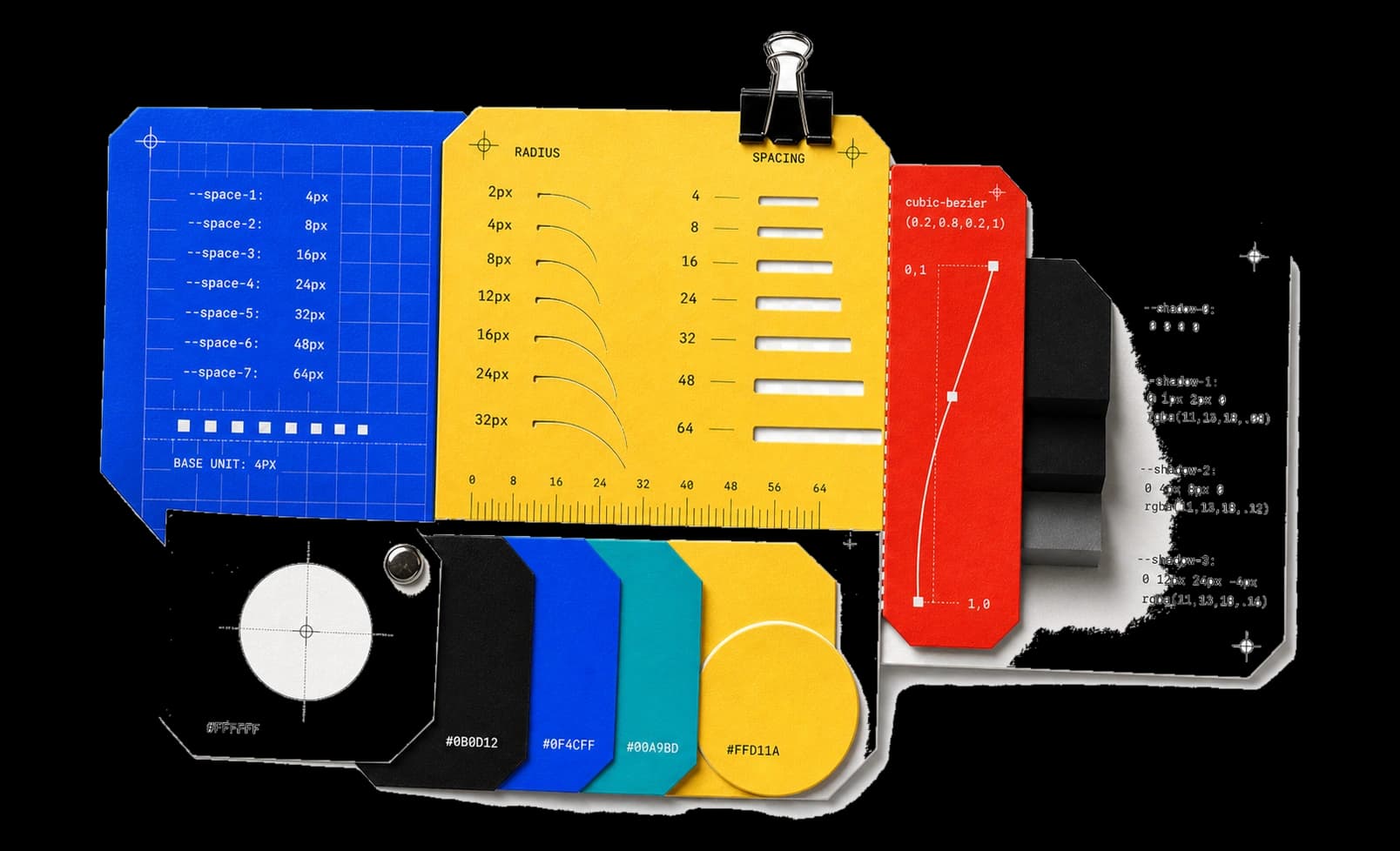
主要ツール 17 件。ライブプレビューで CSS と配色を組み立て、そのまま使える結果をコピーします。
17 件中 17 件を表示
CSS Loader Generator
軌道リングまたは 3 ドットのローディングスピナーをサイズ・線・速度・色でデザインし、reduced motion 対応の CSS をコピー。
CSS Checkbox Generator
カスタムチェックボックスのサイズ・枠線・状態色を整え、キーボード操作できる本物の input を残す CSS をコピー。
CSS Switch Generator
トラック・つまみ・2 状態の色を持つピュア CSS トグルスイッチをデザイン。フォーカスと reduced motion 処理済みのコードをコピー。
CSS Clip Path Generator
ドラッグ、キーボード、座標入力で多角形を編集。4 種類のプリセットから始め、clip-path 宣言や CSS をローカルでコピーできます。
CSS Background Pattern Generator
ドット・グリッド・斜線の背景パターンを純 CSS のグラデーションだけで構成。画像ファイル不要でタイル・線・色を調整できる。
CSS Cubic Bezier Generator
ドラッグできる制御点でイージングカーブを形づくり、指定 duration のライブモーションを確認して cubic-bezier() 値をコピー。
CSS Glassmorphism Generator
すりガラスパネルを色味・不透明度・背景ぼかし・彩度・枠線で構築。賑やかな背景上のプレビューで調整し、CSS をコピーできる。
CSS Text Glitch Effect Generator
短いテキストに 3 層の色収差グリッチをオフセットと速度の調整付きで施し、reduced motion フォールバック付き CSS をコピー。
CSS Gradient Generator
線形・放射グラデーションを角度・焦点・色ストップ位置で明示的に組み立て、単一の background 宣言としてコピーできる。
CSS Box Shadow Generator
オフセット・ぼかし・広がり・色・不透明度・inset をライブカードで調整し、スタイルシートに使う box-shadow 宣言をコピー。
CSS Border Radius Generator
4 つのコーナーをピクセルかパーセントで連動または個別に成形し、4 値を明示した border-radius 宣言をコピーする。
HEX to RGBA Converter
#RGB・#RGBA・#RRGGBB・#RRGGBBAA を alpha まで正確にデコードして rgba() へ変換。ライブスウォッチとコピー可能な結果。
RGBA to HEX Converter
rgb()・rgba() を #RRGGBB または #RRGGBBAA に変換。チャネルごとの確認と alpha の正確な丸めをローカルで行う。
集中できる作業環境 / 設定なしで使える結果へ。
パッケージの導入やアカウント登録なしで、すぐに作業できます。
入力、結果、状態、実行方式を各段階で確認できます。
整理し直さず、必要な結果をコピーまたは保存できます。
別の目的別コレクションから作業を続けられます。
システム設計メモ
任意の数値ではなく、間隔、比率、形状の規則から始めます。
実際の背景と文字サイズで色を判断します。
本番へ加える前に、値とブラウザ対応を確認します。
入力、変換内容、期待する結果を教えてください。