PDF Scan Effect
Add a synthetic scan-style texture to a PDF or image locally. This visual effect is not evidence of a physical scan or document authenticity.

PDF / local document desk
Merge, split, and restyle PDF documents without an upload.
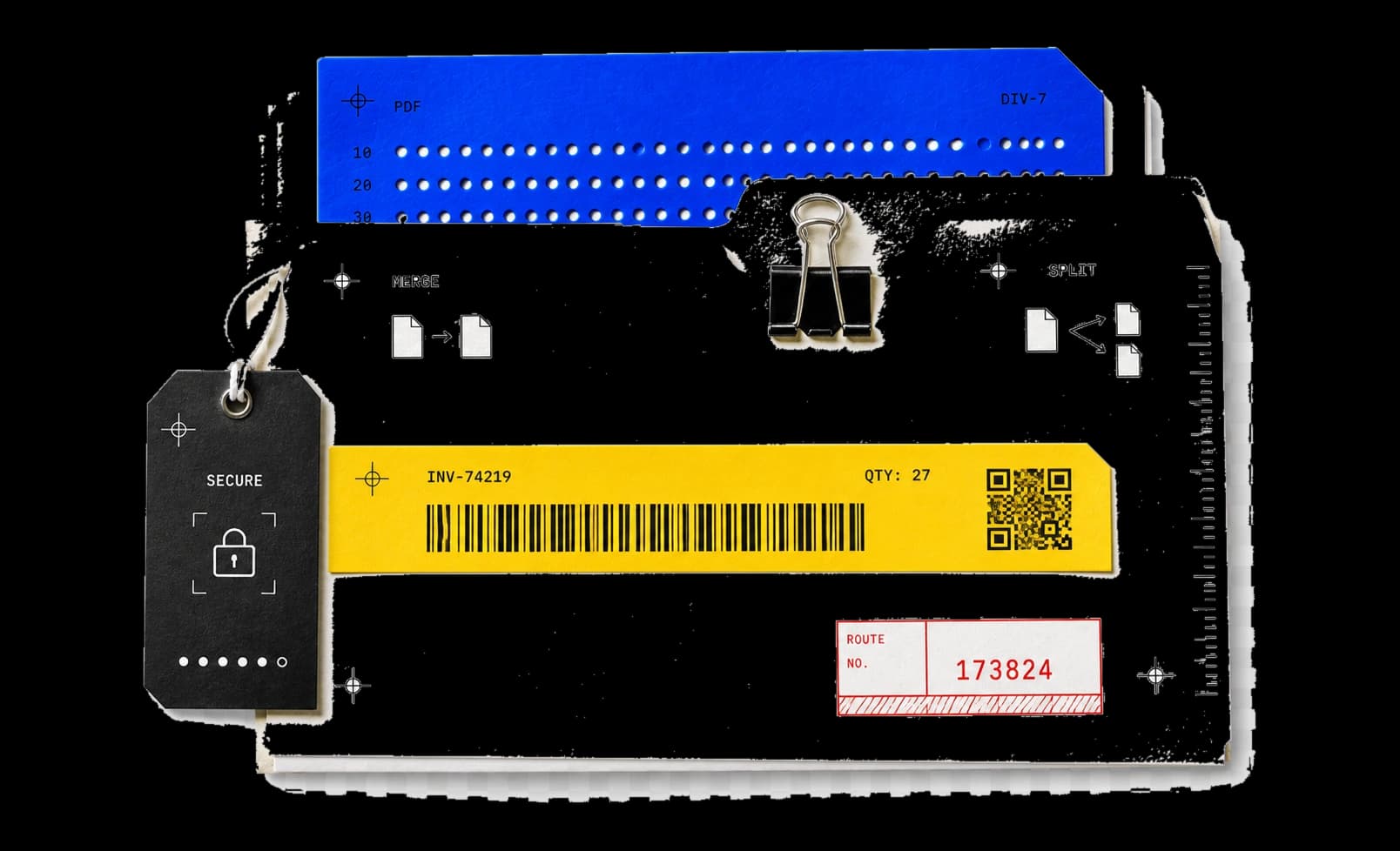
10 essential tools. Merge, split, and restyle PDF documents locally, without an upload.
Showing 10 of 10 tools
Add a synthetic scan-style texture to a PDF or image locally. This visual effect is not evidence of a physical scan or document authenticity.
Merge 2-12 PDFs in your chosen order — up to 50 MiB and 500 pages combined — entirely in the browser, with per-file validation.
Extract selected pages or ranges into one new PDF, in the order you choose. Files stay in your browser and the original is unchanged.
Fix sideways PDF scans by rotating all or selected pages 90, 180, or 270 degrees without rasterizing content. The PDF is saved again; byte identity is not guaranteed.
Combine up to 50 PNG and JPEG images into one PDF in your chosen order, fit to each image or scaled onto A4 or Letter pages.
Inspect and clear PDF Info fields — Title, Author, Creator, and more — with optional XMP removal, verified after saving, locally.
Add text or a PNG/JPEG watermark to selected PDF pages. Adjust opacity and use centered or tiled marks, locally in your browser.
Reorder, delete, or extract PDF pages from a keyboard-operable thumbnail grid, and download the result without touching the original.
Export every page of a PDF as a PNG or JPEG at 75, 150, or 300 DPI, packed into a single zip with numbered file names, locally.
Shrink a PDF by optimizing its structure or re-rendering pages as 150 DPI JPEGs, with an optional byte-size target and exact before/after sizes.
Workflow / task outcome
Combine tools, set the result, and export locally.
A page-correct PDF prepared for a submission portal.
Merge, reorder, rotate, compress, and inspect document metadata before export.
A cleaned copy with supported metadata checked again.
Review location, device, time, author, and software metadata before sharing a file.
PDF workflows / reshape documents without uploading them.
Merge separate PDFs into one ordered file while the sources stay local.
Open a matching toolSplit a document into single pages or ranges and keep only what you need.
Open a matching toolGive a digital PDF the texture and subtle imperfections of a scanned paper copy.
Open a matching toolBuilt for focused work / useful output without a setup step.
Open the task. No utility package or account required.
See input, result, state, and execution label at every step.
Copy or download the useful result without cleanup.
Continue the workflow with another focused collection.
PDF handling notes
Review file sequence and page ranges before creating the new document.
The source file never leaves the browser; every result is a separate file.
Check the merged, split, or restyled result in a PDF reader before sharing.
Tell us the input, the transformation, and the result you expect.