Skip to content
Toolars
Explore

Utilities / practical tasks desk

Files & Utilities

Generate passwords, shuffle lists, and create scannable codes locally.

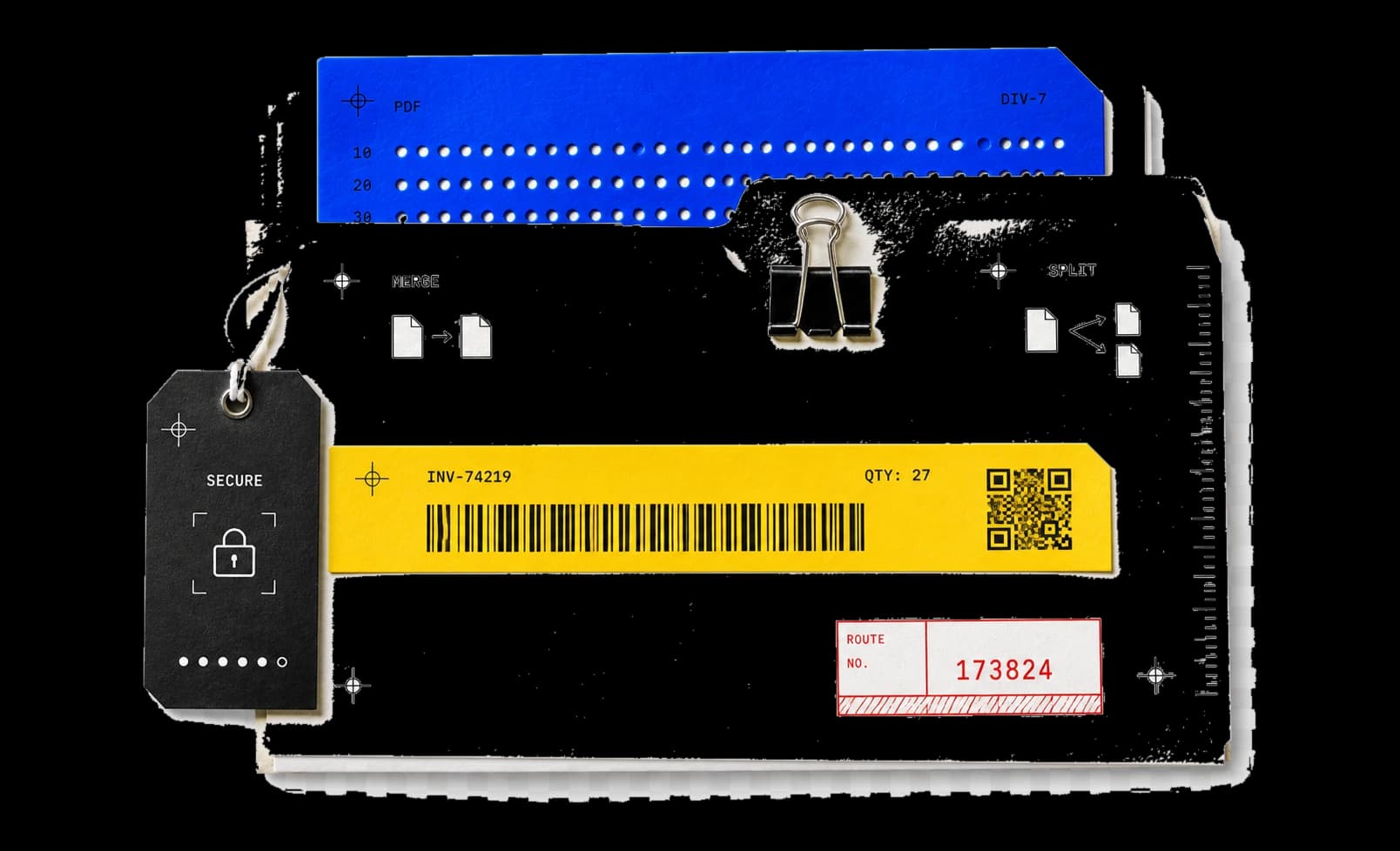
Layered document folders, a secure password tag, a barcode label, a QR tile, and a routing stamp arranged as a utility desk

Files & Utilities

12 essential tools. Generate portable codes, shuffle lists, and finish practical one-off tasks locally.

Showing 12 of 12 tools

Password Generator

Generate 8–128-character passwords from selected character sets with browser Web Crypto; every chosen set appears at least once. Copy to the clipboard or download plain text; generation runs in this tab. The same page creates or verifies Bcrypt hashes in a local Worker (cost 4–12; password limit 72 UTF-8 bytes).

Protect

List Randomizer

Shuffle lists of up to 5,000 items with an unbiased Fisher-Yates shuffle powered by Web Crypto; duplicates keep their independent chances.

Edit

Image to Text OCR

Extract printed text from PNG or JPEG images in 13 languages — each model pack downloads on demand, recognition runs locally, and downloaded packs work offline.

Create

Subtitle Converter

Convert plain-text subtitles between SRT and VTT and shift cue timing by whole milliseconds — up to 1 MiB and 10,000 cues per run.

Convert

QR Code Reader

Decode one QR code from a PNG or JPEG image using local Canvas and a Web Worker — no cloud fallback, no camera, links never opened.

Create

QR Code Generator

Turn up to 2,000 UTF-8 bytes of text or links into QR codes with error-correction and contrast checks, exported as PNG or SVG.

Create

Barcode Generator

Generate CODE128, EAN-13, or UPC-A barcodes; EAN/UPC check digits are computed or verified. Export PNG or SVG, with optional human-readable value below the bars.

Create

Fake IBAN Generator

Generate synthetic IBAN samples for form testing and demos in six country formats with valid MOD-97 checksums. Banks and accounts are not verified.

Protect

Video GIF Converter

Convert MP4 clips to animated GIFs, or GIFs back to H.264 MP4, entirely in the browser with ffmpeg.wasm — no uploads. Inputs up to 100 MB and 60 seconds with fps, width, and quality tiers.

Convert

Excel Converter

Convert .xlsx workbooks to CSV or JSON, or CSV back to .xlsx, entirely in the browser — values only, with an optional UTF-8 BOM marker (EF BB BF) for CSV. Check decoding in your target app. Inputs up to 50 MiB, outputs up to 32 MiB.

Convert

Audio Converter

Convert MP3, WAV, M4A, OGG and FLAC audio between formats entirely in the browser with ffmpeg.wasm — no uploads. Inputs up to 200 MB with 96/128/192 kbps bitrate tiers for lossy output; OGG uses Opus and WAV/FLAC stay lossless.

Convert

CSV Workbench

Clean and reshape CSV or TSV files entirely in the browser: deduplicate rows, drop empty rows or columns, split or merge columns, normalize text case and whitespace, filter by keyword and sort — with a 50-row preview before every download. Streams files up to 100 MiB (roughly 500k rows) in a local Worker; no uploads.

Create

Utility workflows / finish practical jobs with a visible result.

Generate credentials, shuffle lists, and package codes.

Generate credentials

Create strong passwords and valid-format test IBANs under explicit constraints.

Open a matching tool

Shuffle the list

Randomize any list into a fresh order you can copy straight back out.

Open a matching tool

Built for focused work / useful output without a setup step.

Browser-first by design.

Browser-first

Open the task. No utility package or account required.

Visible processing

See input, result, state, and execution label at every step.

Export-ready

Copy or download the useful result without cleanup.

Related categories

Continue the workflow with another focused collection.

Writing

Draft, inspect, and transform text without leaving the browser.

Image Studio

Edit pixels, inspect images, and export dependable visual assets locally.

Design

Build CSS and color systems with live visual feedback and copy-ready output.

Developer

Format, encode, verify, and inspect the artifacts that keep development moving.

Extensions / browser access

Files & Utilities, one browser shortcut away.

Use this collection in the web catalog and bring the same focused, private workflow into the Chrome side panel.

Utility operating notes

Keep one-off tasks controlled and traceable.

Choose safe constraints

Set length, character, and test-data boundaries before generating.

Keep the original list

Paste a copy of the source list so its order stays available for comparison.

Scan or open the export

Verify the downloaded result with the device or system that will consume it.

Questions before you begin?

Which tools on this page run locally?
All tools currently listed here process active input in your browser without uploading it. Any future cloud or hybrid processing will be disclosed before use.
Will a transformation change my source?
Toolars works on a separate browser copy. Your original file or text stays unchanged unless you intentionally download and replace it.
Can I save a tool?
Yes. Sign in first so Toolars can save the favorite to your account and return you to the tool.
How do I report an incorrect result?
Each tool page includes a report surface. Submitted feedback contains only the message and page context you choose to send.

Missing a utility in this collection?

Tell us the input, the transformation, and the result you expect.

Request a tool