Image Cropper
Crop PNG, JPEG, or WebP images to exact pixel coordinates at free or fixed aspect ratios, and export the region as PNG, JPEG, or WebP.

Image Studio / pixel inspection desk
Shape pixels, inspect images, and export visual assets in your browser.
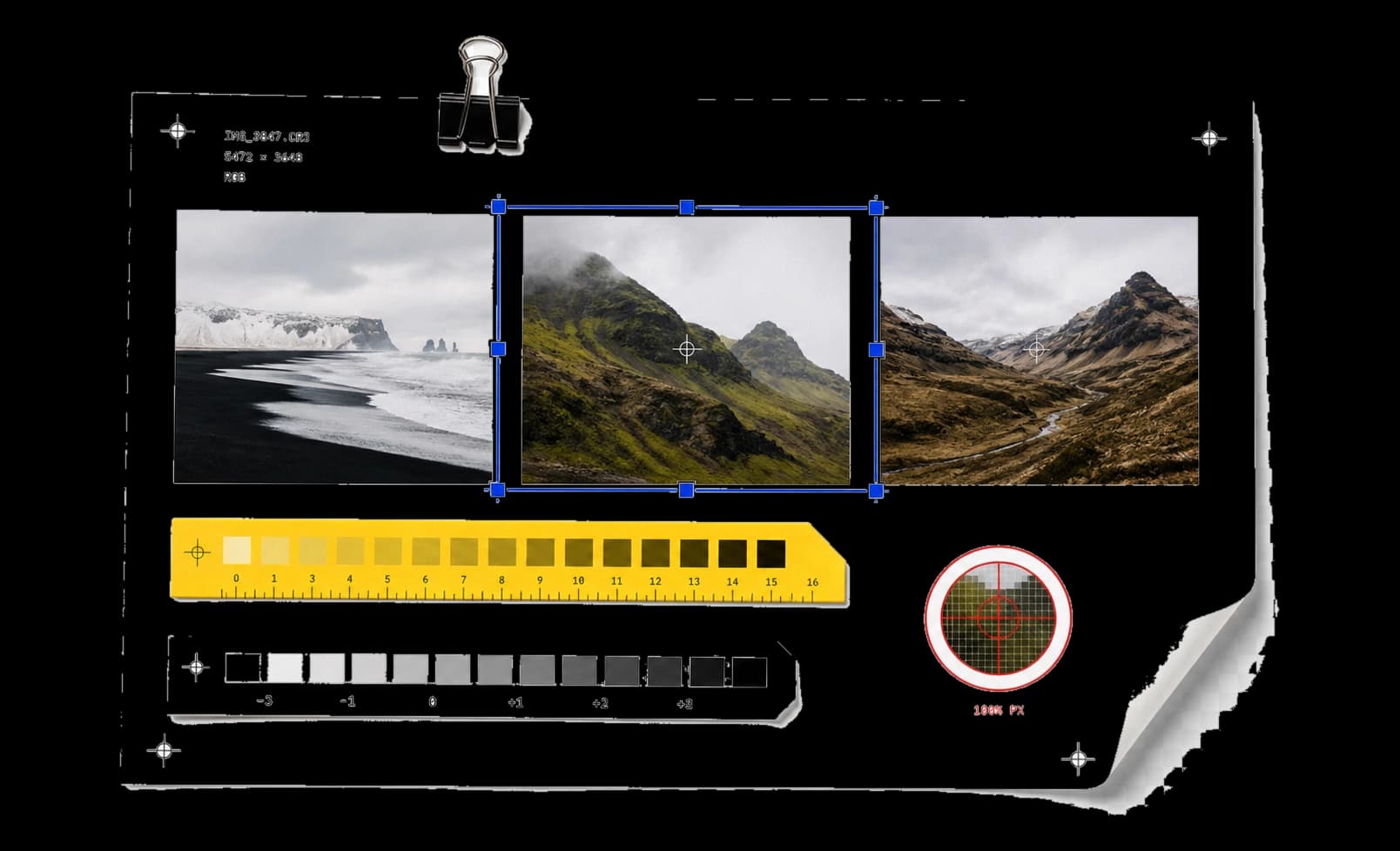
16 essential tools. Edit pixels, inspect images, and export dependable visual assets locally.
Showing 16 of 16 tools
Crop PNG, JPEG, or WebP images to exact pixel coordinates at free or fixed aspect ratios, and export the region as PNG, JPEG, or WebP.
Adjust brightness, contrast, saturation, grayscale, sepia, and blur with six sliders, then download the filtered PNG at full size.
Resize images to exact pixel dimensions with an aspect-ratio lock, one file at a time or in batches of up to 12 downloaded as a zip.
Measure an image's alpha-aware average color and copy it as HEX, rgb(), or rgba() — transparent pixels are ignored, not averaged in.
Extract up to 12 RGB color groups from a PNG, JPEG, or WebP photo, ranked by alpha-weighted share of the visible analyzed sample; copy HEX values or download a JSON palette.
Sample one browser-decoded image coordinate without averaging neighbors; read its Canvas RGBA value, copy HEX, or download all three color formats.
Generate organic SVG blobs with seeded, reproducible geometry — anchor points, irregularity, and smoothness — and export as SVG or PNG.
Build seamless SVG patterns from dots, grids, stripes, waves, or checker tiles with tunable size and opacity, then export SVG or PNG.
Pixelate or blur a selected photo region locally and export PNG, JPEG, or WebP. Visual obscuring is not reliable redaction of sensitive details.
Convert SVG files to PNG at 1x-4x scale after allowlist sanitization strips scripts and external references — all in the browser.
Expand strokes on SVG lines, rects, circles, and ellipses into fill-only geometry. Paths, groups, and dashed strokes are refused, not approximated.
Encode a PNG, JPEG, WebP, or GIF (up to 4 MiB) as Base64 from its original bytes, and copy the data URL or the plain payload.
Add a caption of up to 180 characters to a PNG, JPEG, or WebP with position, font size, and bar opacity controls, then export the PNG.
Inspect GPS, camera, and exposure metadata in JPEG and PNG photos, then strip it losslessly — single files or batches of up to 12.
Convert HEIC/HEIF, AVIF, GIF, PNG, JPEG, or WebP to PNG, JPEG, or WebP locally. Choose the output format, quality and flattening color, then compare actual file sizes.
Compare two images pixel by pixel with split, slider, fade, highlight, and mask views, a match threshold, and an exportable difference mask.
Workflow / task outcome
Combine tools, set the result, and export locally.
Images checked against your size and format limits, with missed targets clearly labeled.
Resize, crop, convert, target a file-size ceiling, and remove supported metadata in one ordered flow.
A cleaned copy with supported metadata checked again.
Review location, device, time, author, and software metadata before sharing a file.
Image workflows / frame the asset before you export it.
Set dimensions and crop boundaries while keeping the subject intact.
Open a matching toolRead colors, palettes, and visual changes before committing the edit.
Open a matching toolChoose the resolution and output that match the destination.
Open a matching toolBuilt for focused work / useful output without a setup step.
Open the task. No utility package or account required.
See input, result, state, and execution label at every step.
Copy or download the useful result without cleanup.
Continue the workflow with another focused collection.
Image handling notes
Treat every crop, resize, and filter as a separate browser copy.
Confirm size, aspect ratio, transparency, and sampled values.
Inspect the rendered asset at its intended scale before exporting.
Tell us the input, the transformation, and the result you expect.