Case Converter
Switch text between Sentence, Title, UPPER, lower, camelCase, PascalCase, snake_case, and kebab-case, with Unicode-aware casing that runs live in the tab.

Writing / editorial proof desk
Move drafts from rough input to dependable, readable output.
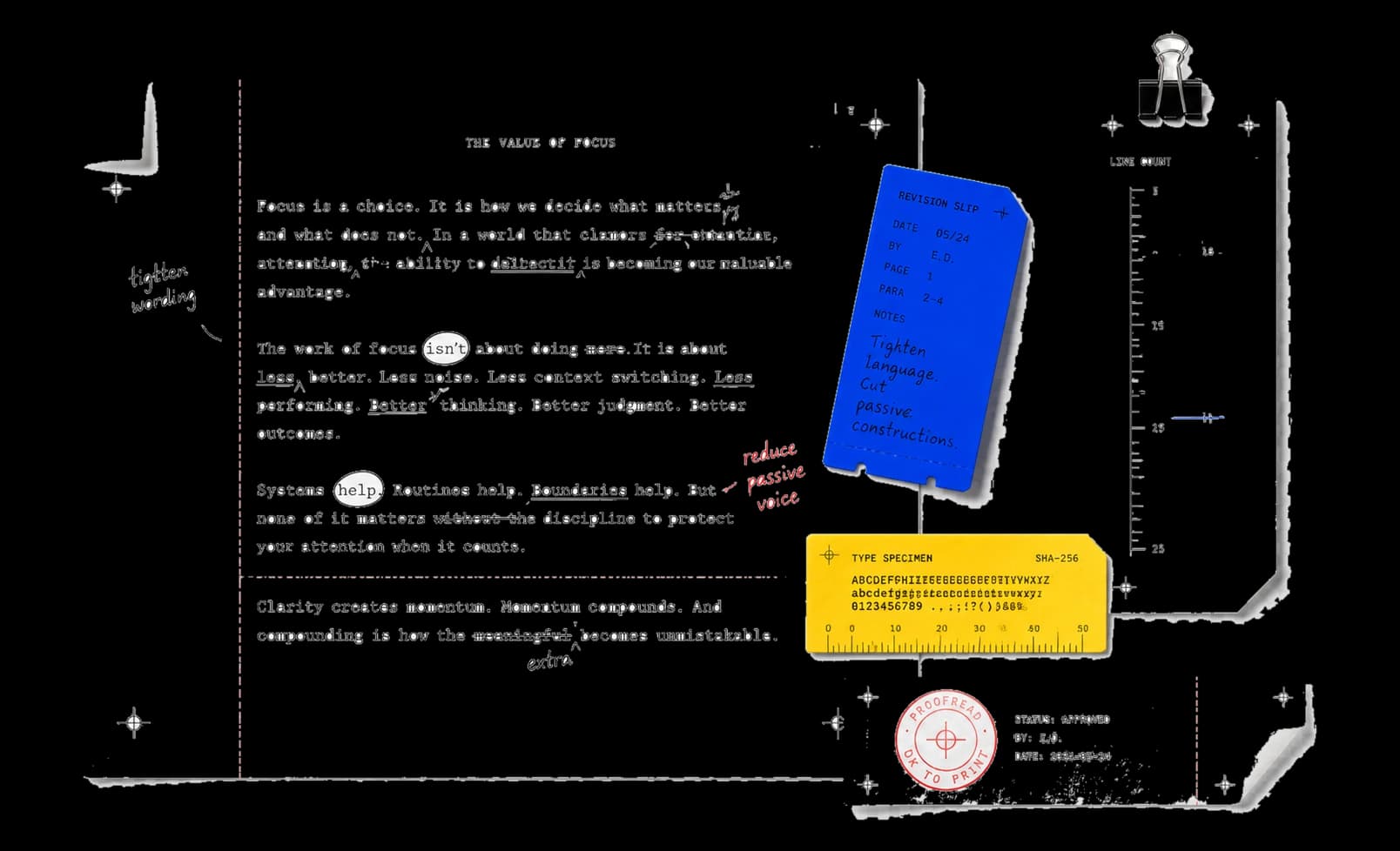
7 essential tools. Draft, inspect, and transform text without leaving the browser.
Showing 7 of 7 tools
Switch text between Sentence, Title, UPPER, lower, camelCase, PascalCase, snake_case, and kebab-case, with Unicode-aware casing that runs live in the tab.
Generate deterministic lorem ipsum by paragraph (1-20) and sentence count (1-12 each), with an exact character count and a .txt download.
Count characters, words, sentences, lines, and reading time for up to 200,000 characters, then export the metrics with the text as JSON.
Typeset up to 4,000 characters on plain, ruled, or grid paper using your device's cursive fonts, and export the page as SVG or PNG.
Bold the first half of every letter and number run and copy the result as Markdown. Reading speed improvements are not guaranteed.
Collapse repeated spaces, drop blank lines, flatten everything to one line, or trim line ends — four modes that clean as you type.
Filter ten curated Google Fonts pairings by purpose and style, preview them in local fallback fonts, and copy CSS, @import, or JSON.
Writing workflows / move from rough copy to a deliberate final.
Clean spacing, case, and structure before polishing the voice.
Open a matching toolMeasure length, density, and emphasis without losing the source.
Open a matching toolCopy or export a dependable result that is ready for the next surface.
Open a matching toolBuilt for focused work / useful output without a setup step.
Open the task. No utility package or account required.
See input, result, state, and execution label at every step.
Copy or download the useful result without cleanup.
Continue the workflow with another focused collection.
Editorial operating notes
Keep the original draft beside the transformed version for comparison.
Use metrics as evidence, then review tone and meaning yourself.
Check punctuation, spacing, and casing before moving the text onward.
Tell us the input, the transformation, and the result you expect.